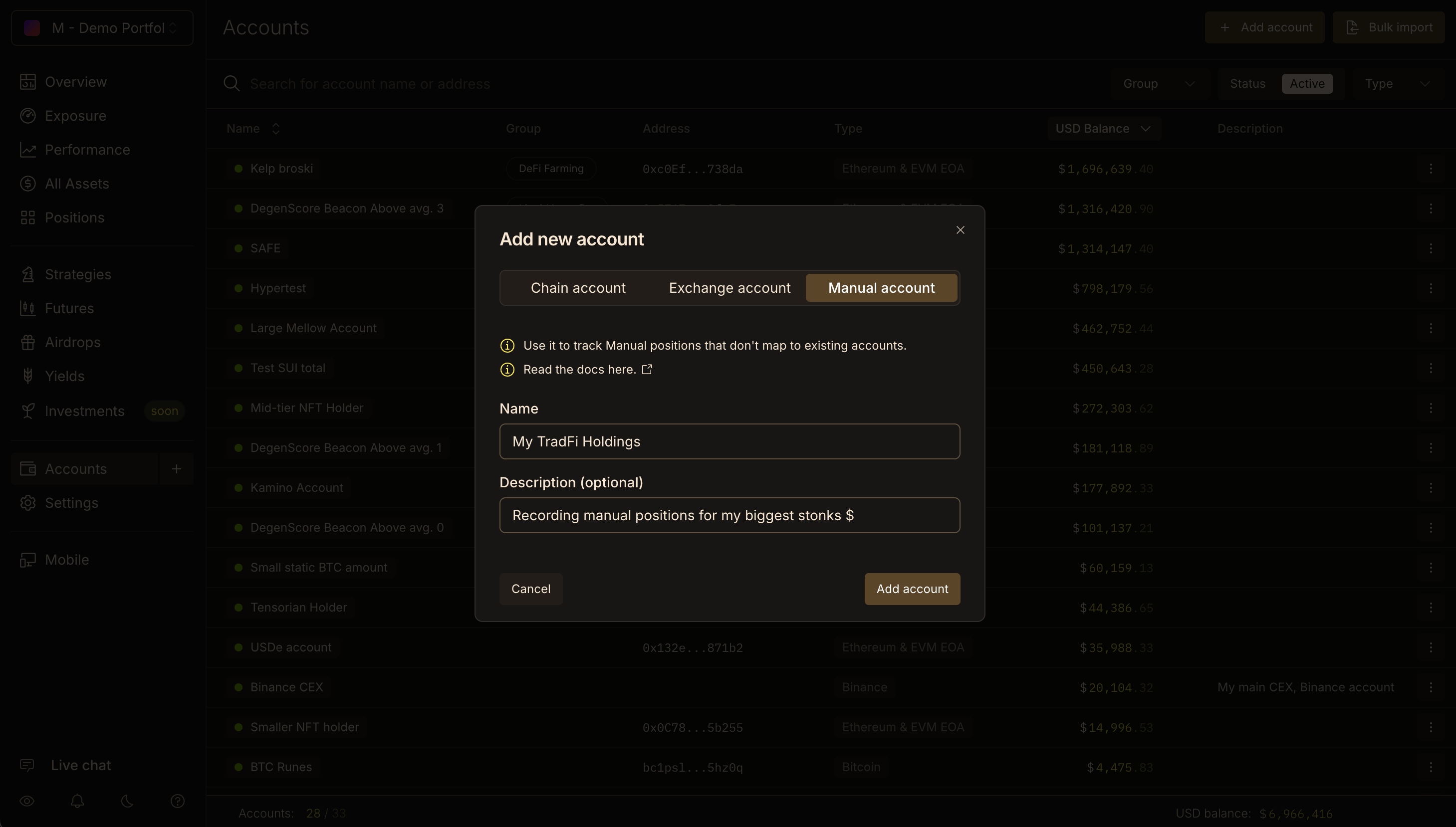
Manual Accounts let you record assets that sit outside any chain, account type or CEX currently supported by Lighthouse. Manual Positions that don’t belong to any existing Lighthouse account can be added to your Manual Accounts: together with Custom Assets, this will let you track anything from offchain tradfi assets to crypto on exotic, yet-to-be-tracked chains.

How to Add a Manual Account

  1. Select the Accounts page on the left sidebar.
  2. Click the + Add Account button on the top right.
  3. Select the Manual Account tab.
  4. Add an Account Name and optional Description.
  5. Confirm by clicking the Add account button.
Add Manual Account Pn The Manual Account is now in your Accounts list. Simply navigate to it and add a Manual Position.